Step 01
Load testing
It reports a ceiling, not a verdict
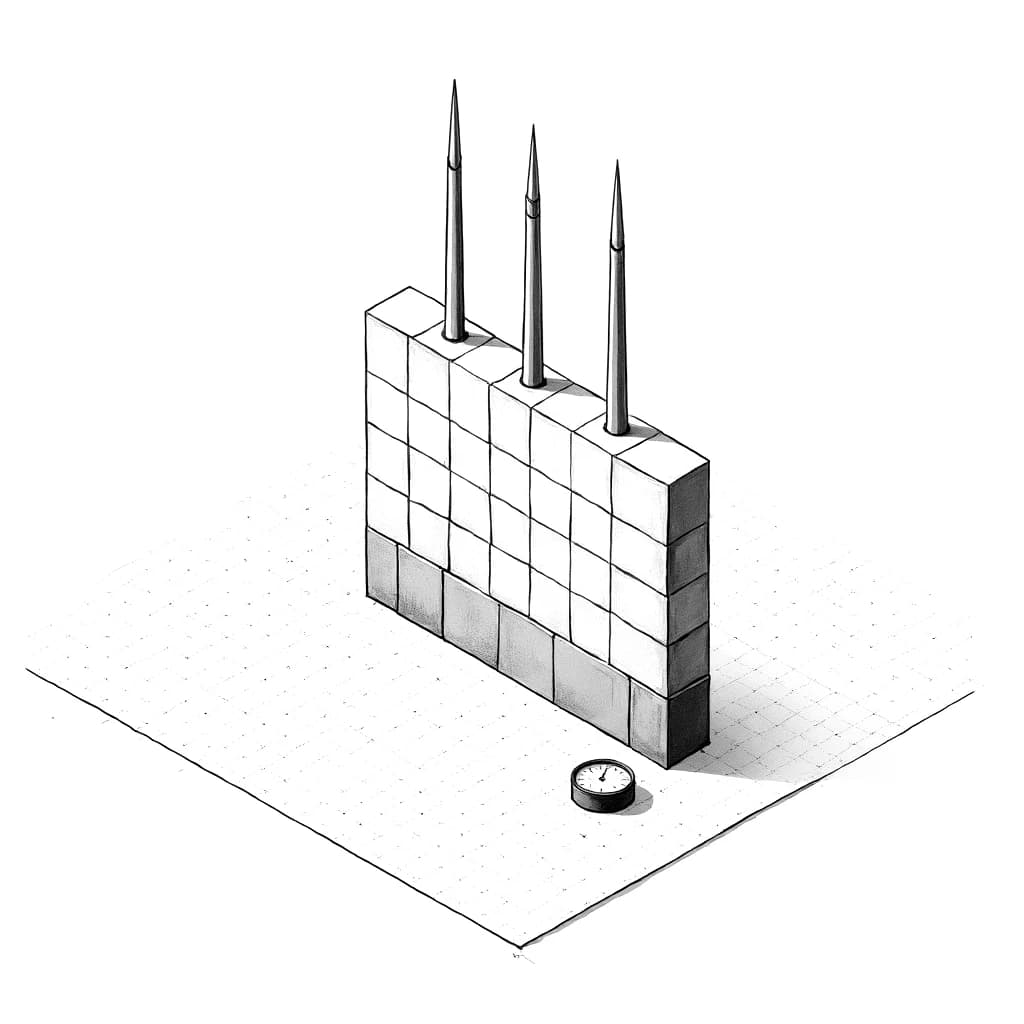
The ramp climbs to eight hundred concurrent and reports the level you held before latency ran away. That number is useful; a pass mark is not.
Load testing
Know your ceiling before your users find it.
Load Testing is a one-time Optics add-on that answers one question: how many people can your app serve at once? It walks you through a rehearsal of your busiest day against a site you own, then reports the number you actually hold, what gave way first, and a grade you can compare release to release.
Step 01
Load testing
The ramp climbs to eight hundred concurrent and reports the level you held before latency ran away. That number is useful; a pass mark is not.
Step 02
Load testing
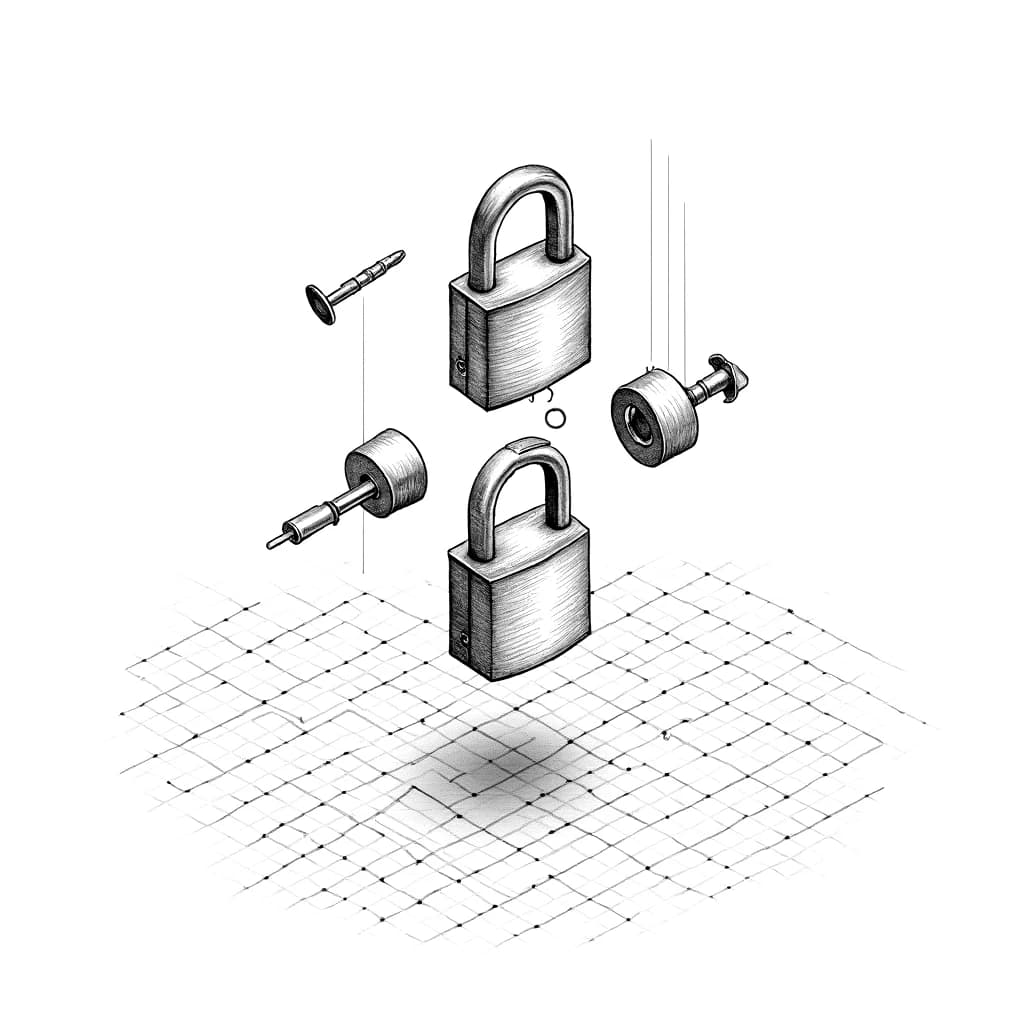
An overloaded app is slow for everyone. A rate limiter is instant for some and refuses the rest. Both look like errors in a summary, and only one is your app.
Step 03
Load testing
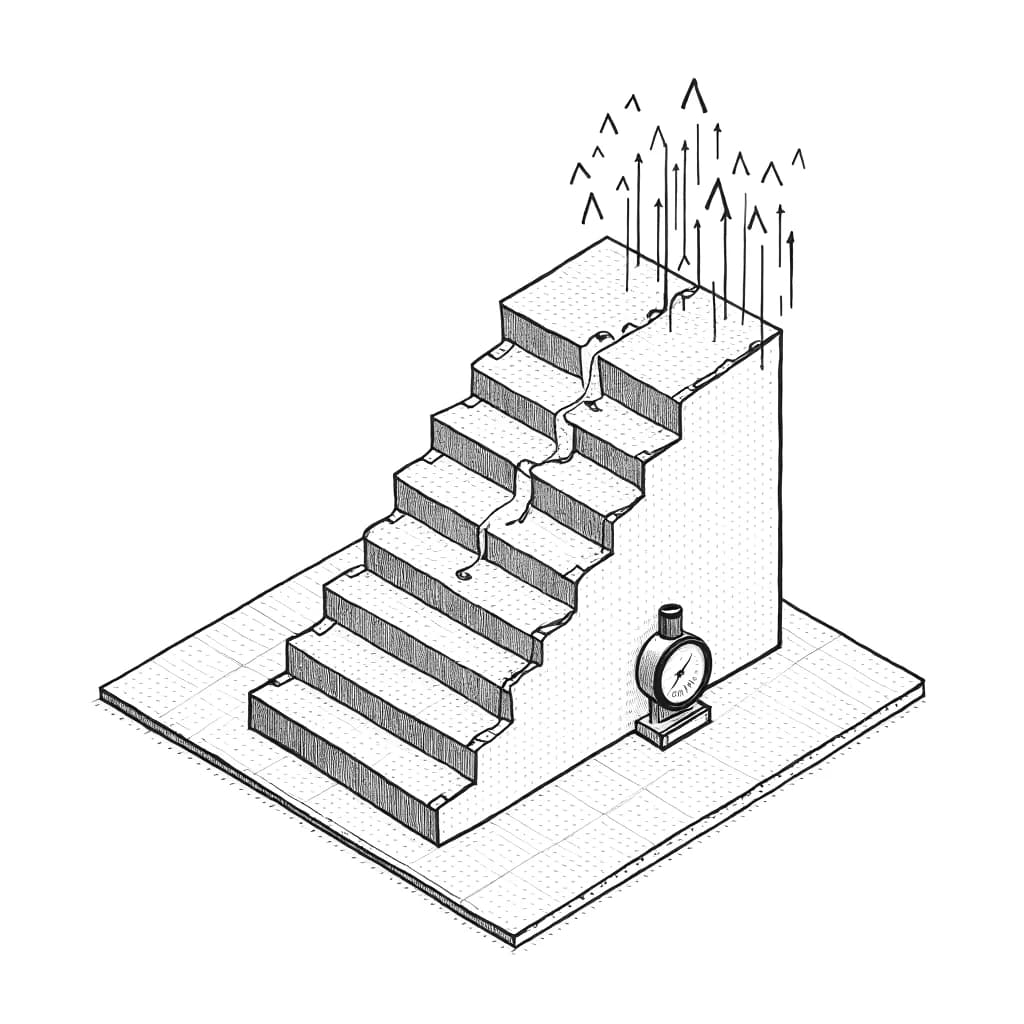
When the edge refused the traffic, the run says so instead of scoring the app it never reached. Raising the limit to clear the finding is called out as the wrong fix.
What you get
Load Testing
A capacity figure
The concurrency you serve, the level where it breaks, and the grade for the run.
Setup
How it gets turned on
Point the runner at a host you own. Results upload against the project's own key.
$199
Pay once and Load Testing is unlocked for your whole organization, on top of a Pro or Team plan. Not a subscription, and never priced per run.
Or get the bundle
Resilience Suite
$619
Pentest, Load Testing and DDoS Resilience in one purchase. 17% off buying them separately.
Three days free. Install it on one project and see what comes back before you decide anything.
Remove the tag and recording stops