Step 01
Session replay
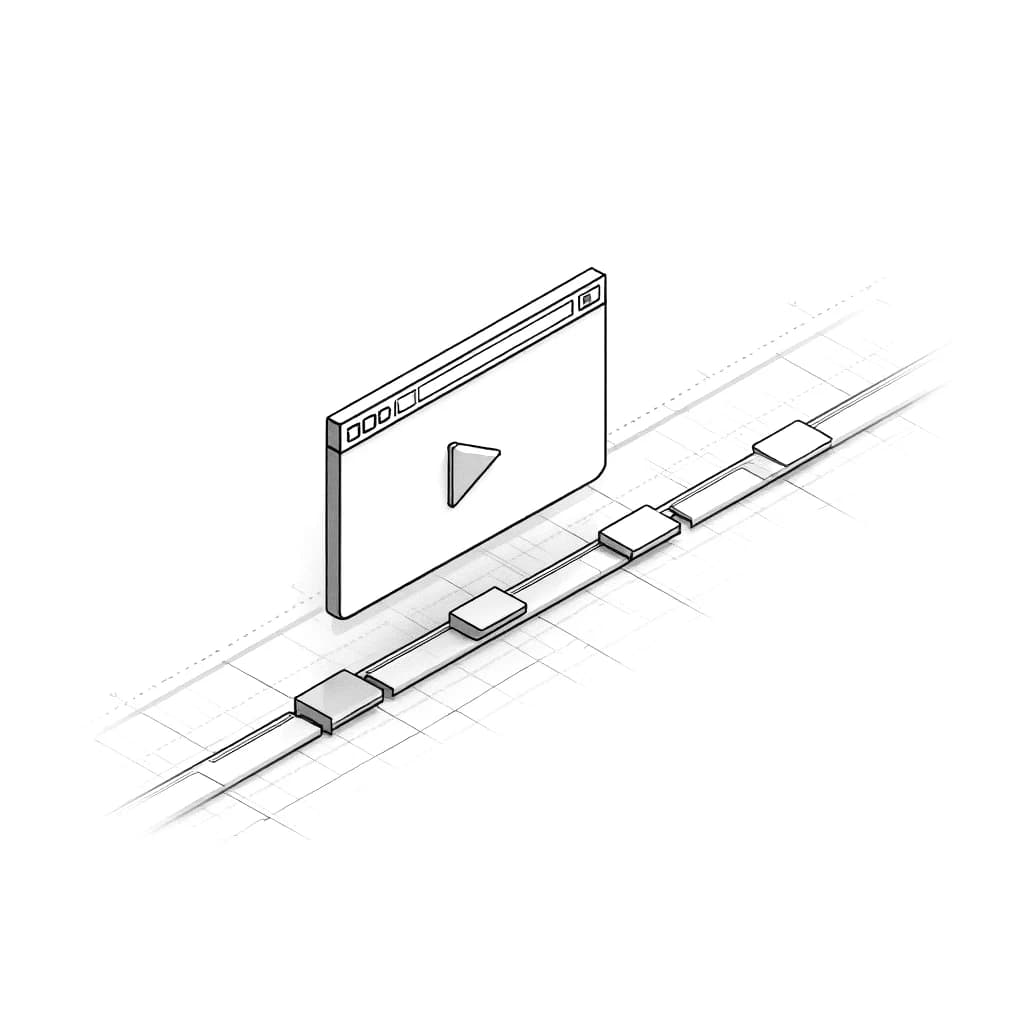
It records the document
Not screenshots and not a video: the DOM as it changed. That is why the replay stays sharp, stays small, and can be scrubbed to a specific moment.
Session replay
Watch the exact session that broke.
Full DOM recording, stored in chunks per session. Skip to the moment it failed rather than asking someone to walk you through it again, and the build they were on has not moved on by the time you look.
Step 01
Session replay
Not screenshots and not a video: the DOM as it changed. That is why the replay stays sharp, stays small, and can be scrubbed to a specific moment.
Step 02
Session replay
Personal data is masked at the SDK boundary, on the user's machine, before anything leaves it. What was never collected cannot leak.
Step 03
Session replay
Recordings are stored per session in chunks. The build the user was on has usually shipped by the time anyone looks, and the replay does not care.
The actual session
Attached to the error and to the ticket, one click from either.
Setup
How it gets turned on
On by default with the SDK. The extension records the same thing without touching production.
Three days free. Install it on one project and see what comes back before you decide anything.
Remove the tag and recording stops